🎉 PROMOTE 30% OFF FOR NEW YEAR HOLIDAY 🎉


Smart Bluetooth GPS Tracking Device
$18.99$24.6923% off
Hurry up! Free shipping on first order
Color: 1pc black


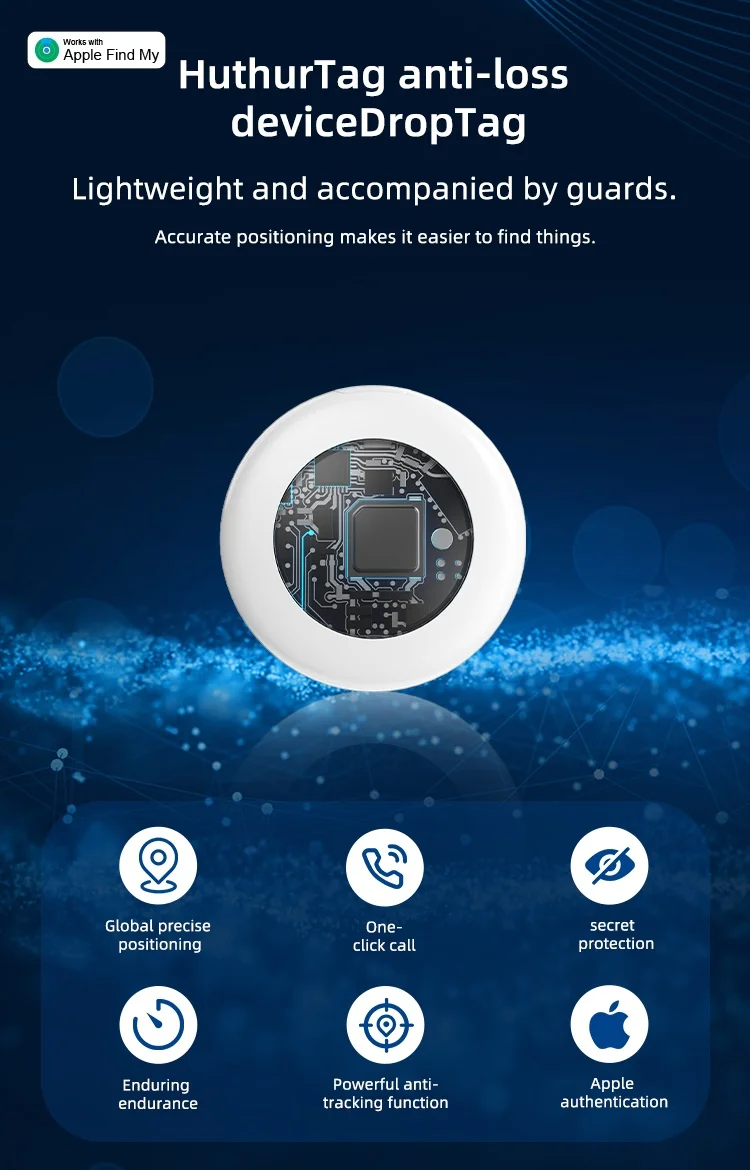
Timethinker Smart Bluetooth GPS Tracker Airtag Work with Find My APP ITag Anti Lost Locator Pet Finder for IOS
Product parameters:
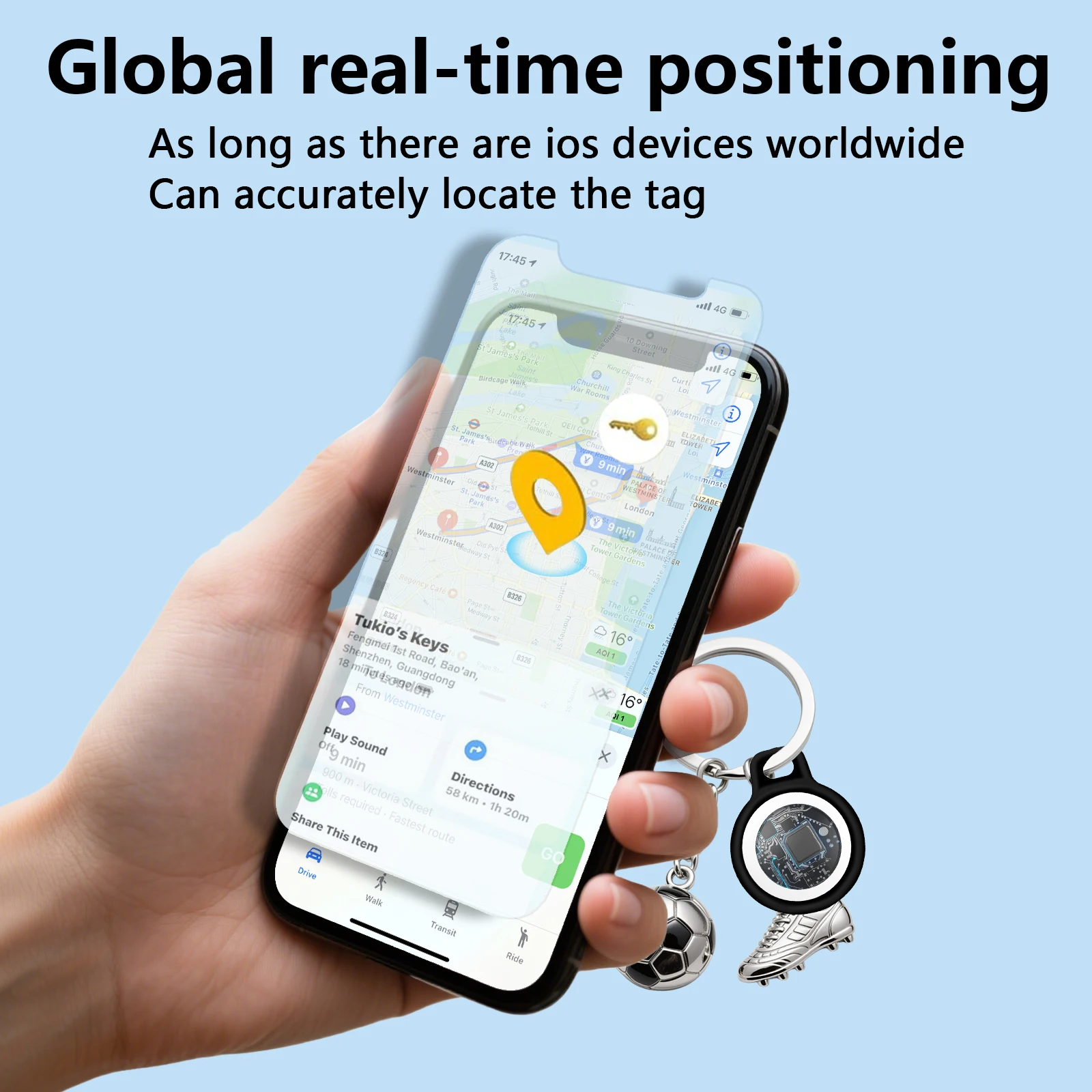
Connection: Find My network, used for global positioning
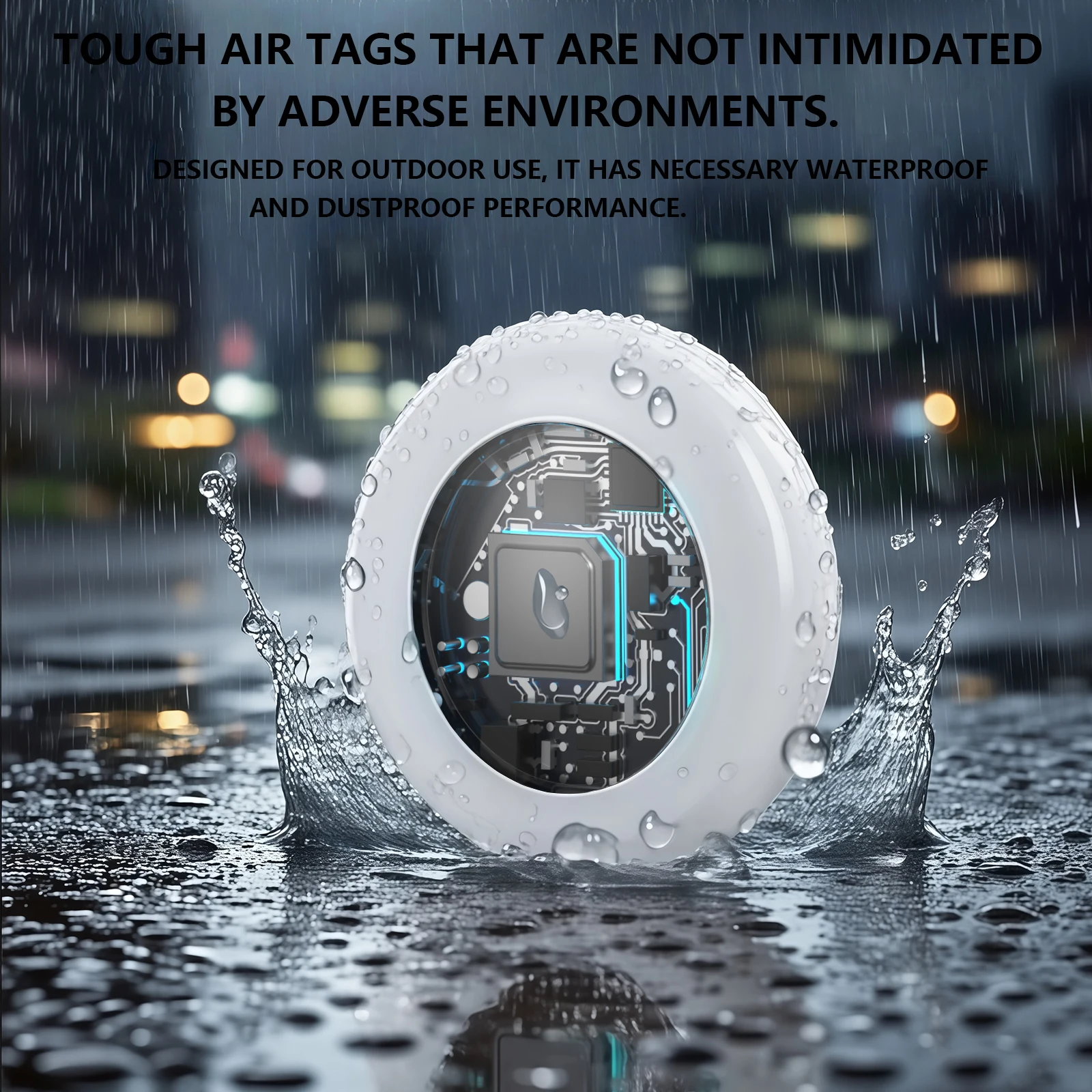
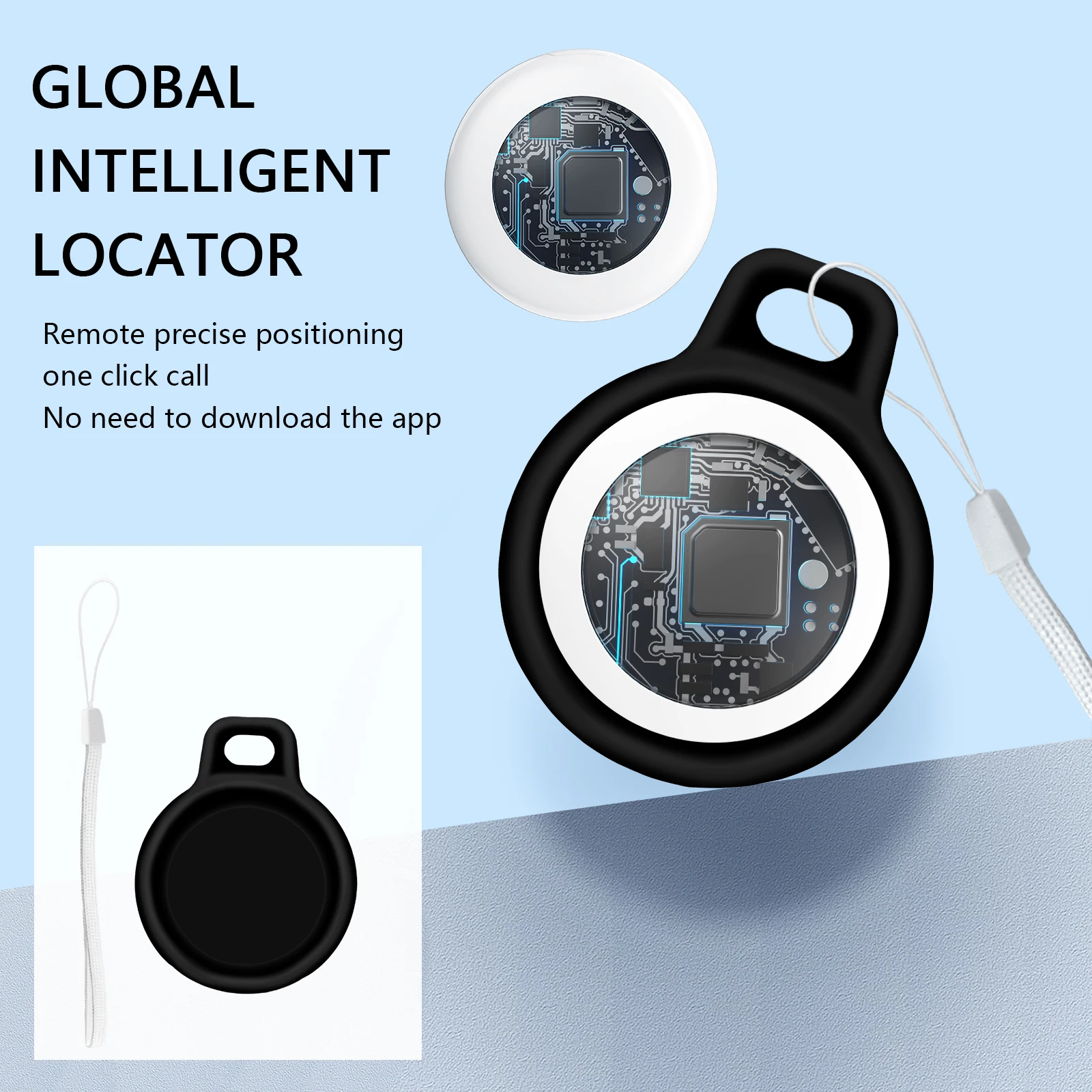
Casing: ABS material, environmentally friendly and durable
Battery: replaceable CR2032 button battery
Battery capacity: 230mAh
Standby time: 10-12 months
Battery weight: 3.1 grams
Sensor: accelerometer
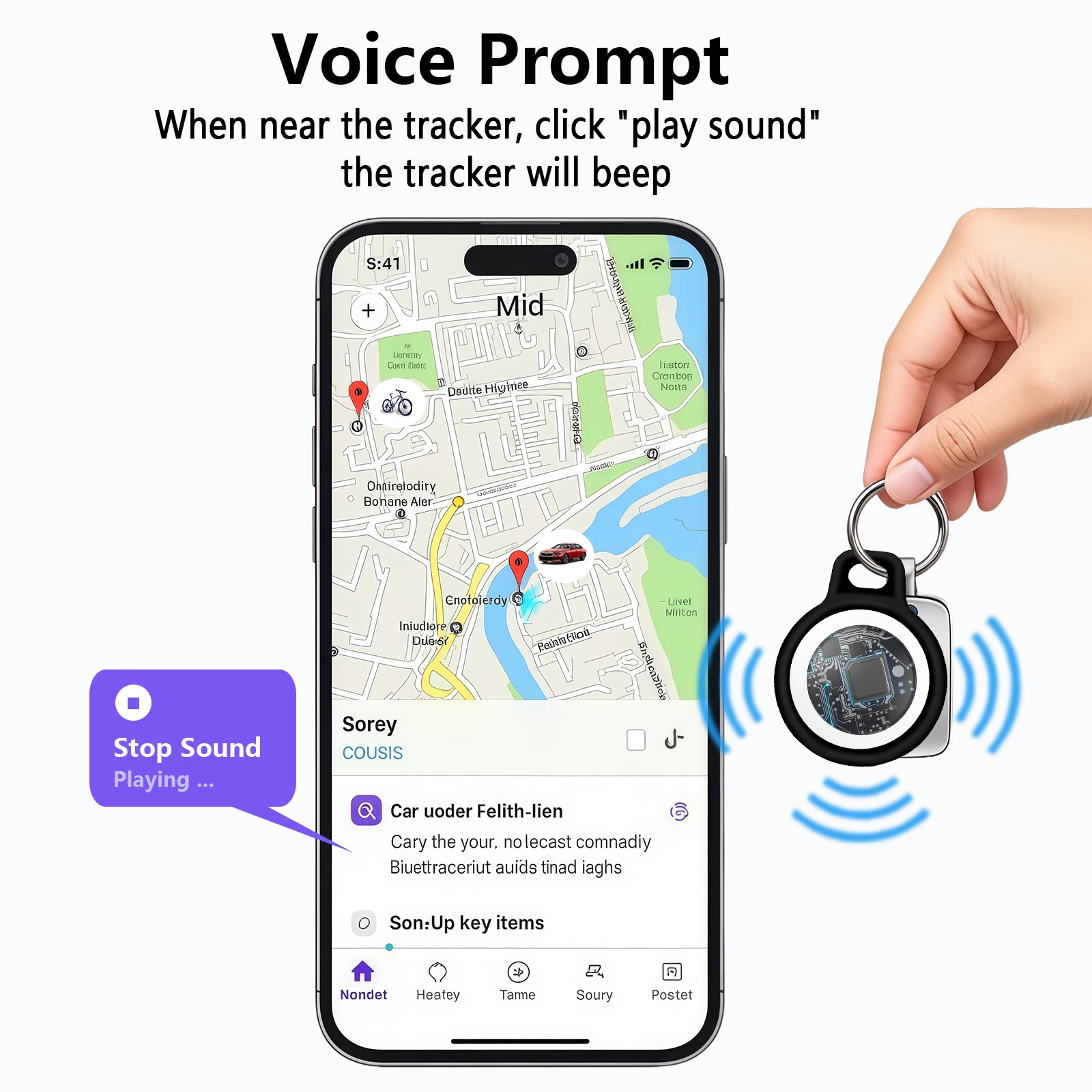
Speaker: built-in buzzer
Sound: 60~70dB
Product size: 31.1*31.1*8.95mm
Product weight: 8g
System requirements and compatibility: 1.ipbone ID 2.iPhone and iPod touch models with iOS 14.5 or later
3.iPad models with iPadOS 14.5 or later
Product Features:
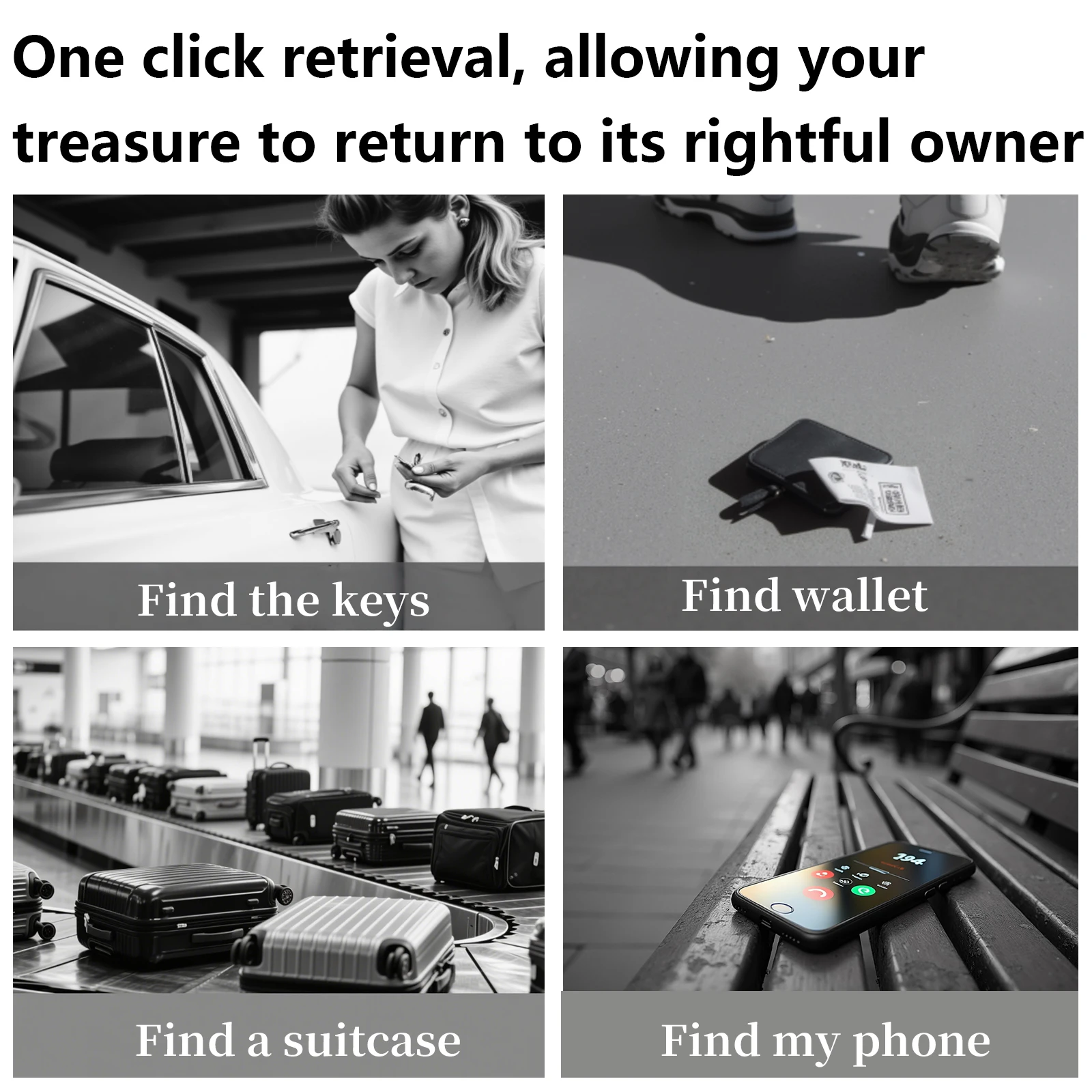
1. Find Device
Click the "Play Sound" button in "Find" to make the device ring and find it easily by sound.
2. Location History
Update the location by the last time.
3. Lost Item Reminder
When your anti-lost device and the connected phone leave the effective range for a period of time, the "Find" app will have a lost reminder message.
4. Lost Mode
If the device is lost, you can declare it lost in the app. When another APP user enters the effective range of the lost device, you will receive the current location in the "Find" app.
5. Multi-device management
Generally, one PHONE ID can bind up to 16 devices.
6. Prevent malicious tracking
If someone else's "device" is following you, the iPhone will pop up a prompt message to remind you.


Operation Instructions
1. Turn on the device
Press and hold the power button for about 2 seconds, and you will hear a beep. The device will turn on.
2. Bind the device
Open phone's built-in "Find" app. Bring the device close to your iPhone, tap the "Items" tab, select "Add New Item", click "Other Supported Items", select the device with this product model, and click "Connect". Add "Item Name" and select an emoji.
Agree to register the device to your phone ID. Click "Finish" to successfully bind.
3. Delete the device
Open phone's built-in "Find" app, click "Items", and then click the name of the item. Find "Remove Item" at the bottom of the list,
Click "Remove" to complete the operation, and wait for the device to sound a beep, and the removal is successful.